

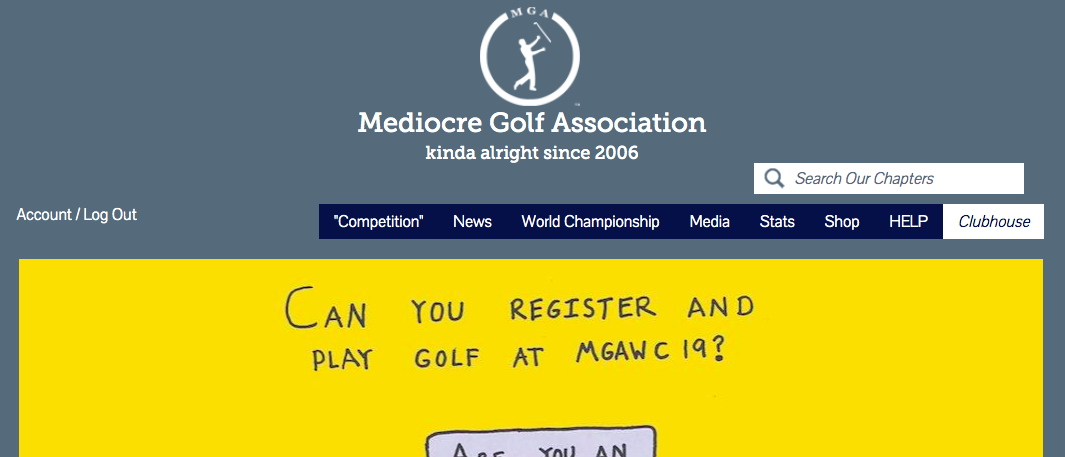
Log into your new account. Then click Clubhouse in the Main Menu...
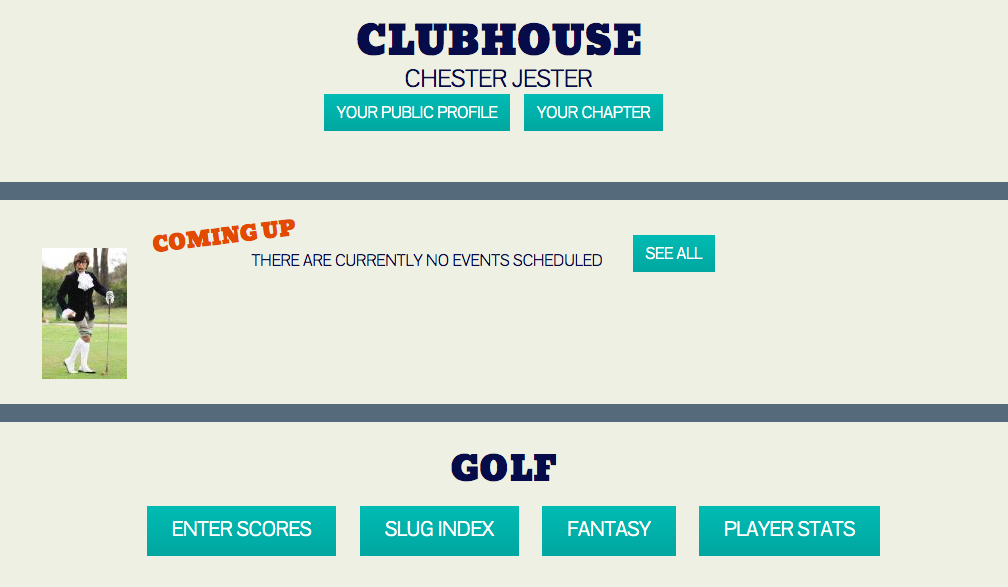
In your Clubhouse, click the ENTER SCORES button.
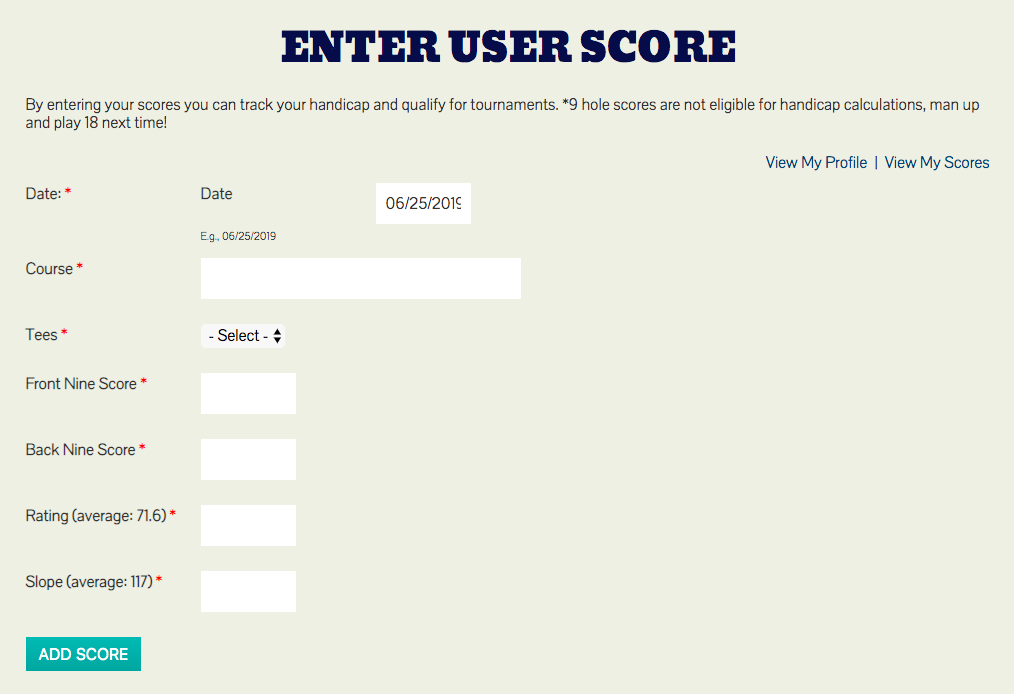
On this page, you will enter your last 5 rounds of golf, one at a time. If you don't remember the exact scores on front and back, just split the total somewhat evenly between the two nines.
However, it's very important you get the slope and rating correct. They are available on the scorecard or this website.
DO NOT enter 9 hole scores. DO NOT enter executive course scores. You will end up with a ton of penalty strokes.
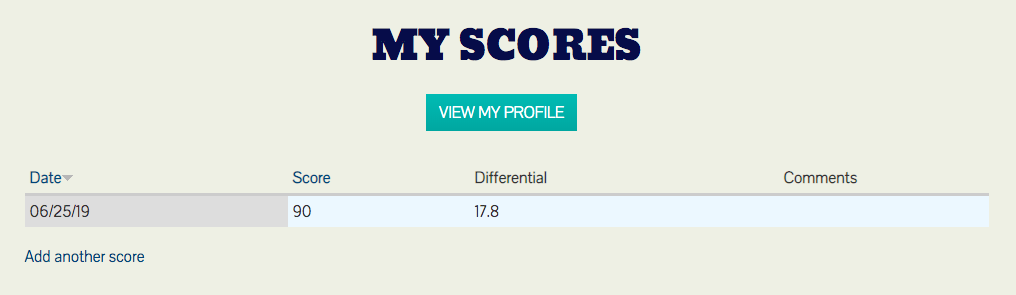
Once you submit your first score, you will see this screen. Click "Add another score". Repeat this until you have 5 scores in and then you will have a handicap on the site.
Once you do that, you can register for your first event!
